 Remove Vocal
How to Make a Karaoke or Backing Track From Any Song
You don't need the original multitrack session to sing or play along with your favourite song. With AI stem separation you can pull a finished recording apart into vocals, drums, bass, guitar, piano and the rest, then keep only what you need.
This guide walks through three common jobs, making a karaoke track, extracting an acapella, and building a play-along backing track, using Remove Vocal, an online AI vocal remover and stem splitter that runs in your browser.
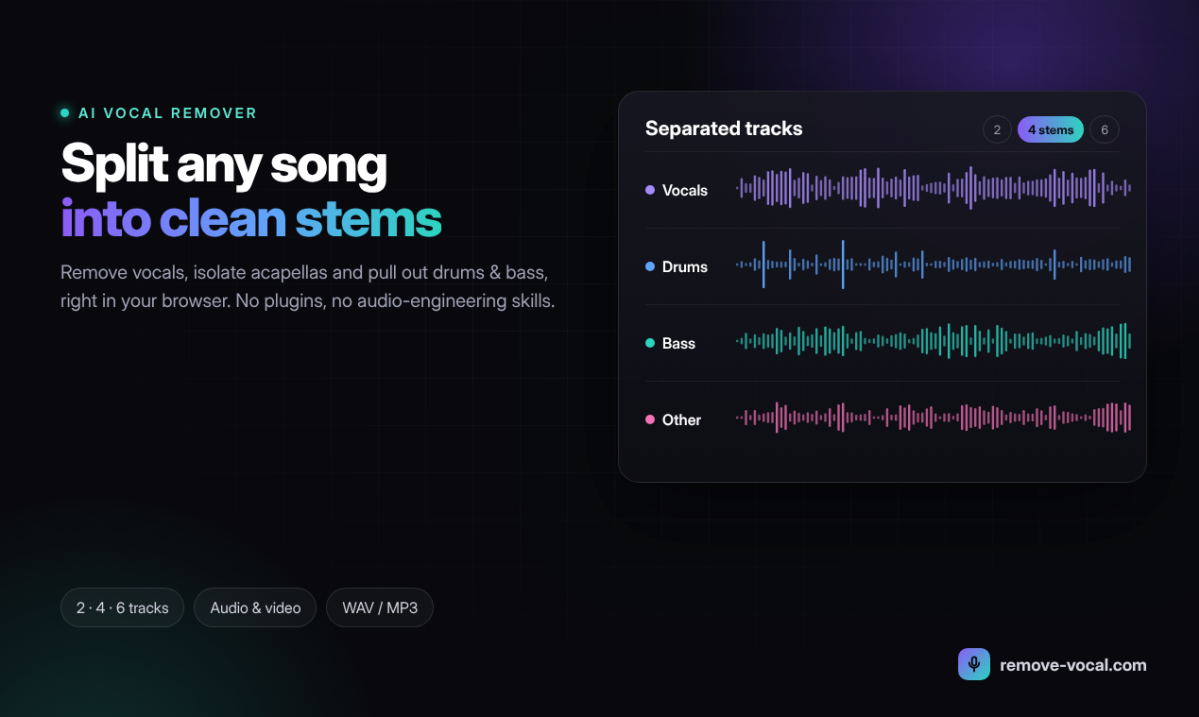
A finished song separated into individual stems.
Before you start: pick a good source file
Separation quality depends on what you feed in. A few habits help:
- Use the best version you have. A WAV or FLAC file, or a high-bitrate MP3, gives the model more detail to work with than a low-quality rip.
- Video is fine. Remove Vocal accepts MP4, WebM, MOV and AVI directly, as well as MP3, WAV, FLAC, M4A and OGG audio, up to 500 MB. There's no need to extract the audio first.
- Trim long files if you only need one section. It keeps uploads small and processing quick.
Job 1: Make a karaoke track
- Upload the song or music video.
- Choose 2 stems (vocals + instrumental) or Hi-Fi 2 stems for the cleanest split.
- Mute the vocal stem and preview the instrumental.
- Download the instrumental, as audio or, if you started from a video, as video.
Job 2: Extract an acapella for a remix
Use the same 2-stem or Hi-Fi 2-stem split, but this time solo the vocal stem and download it. A clean acapella is the starting point for mashups, edits and remixes. If the song has heavy backing vocals or effects, compare both 2-stem modes and keep the one that sounds best for your track.
Job 3: Build a play-along backing track
Instrumentalists usually want the opposite of karaoke: everything except their own part.
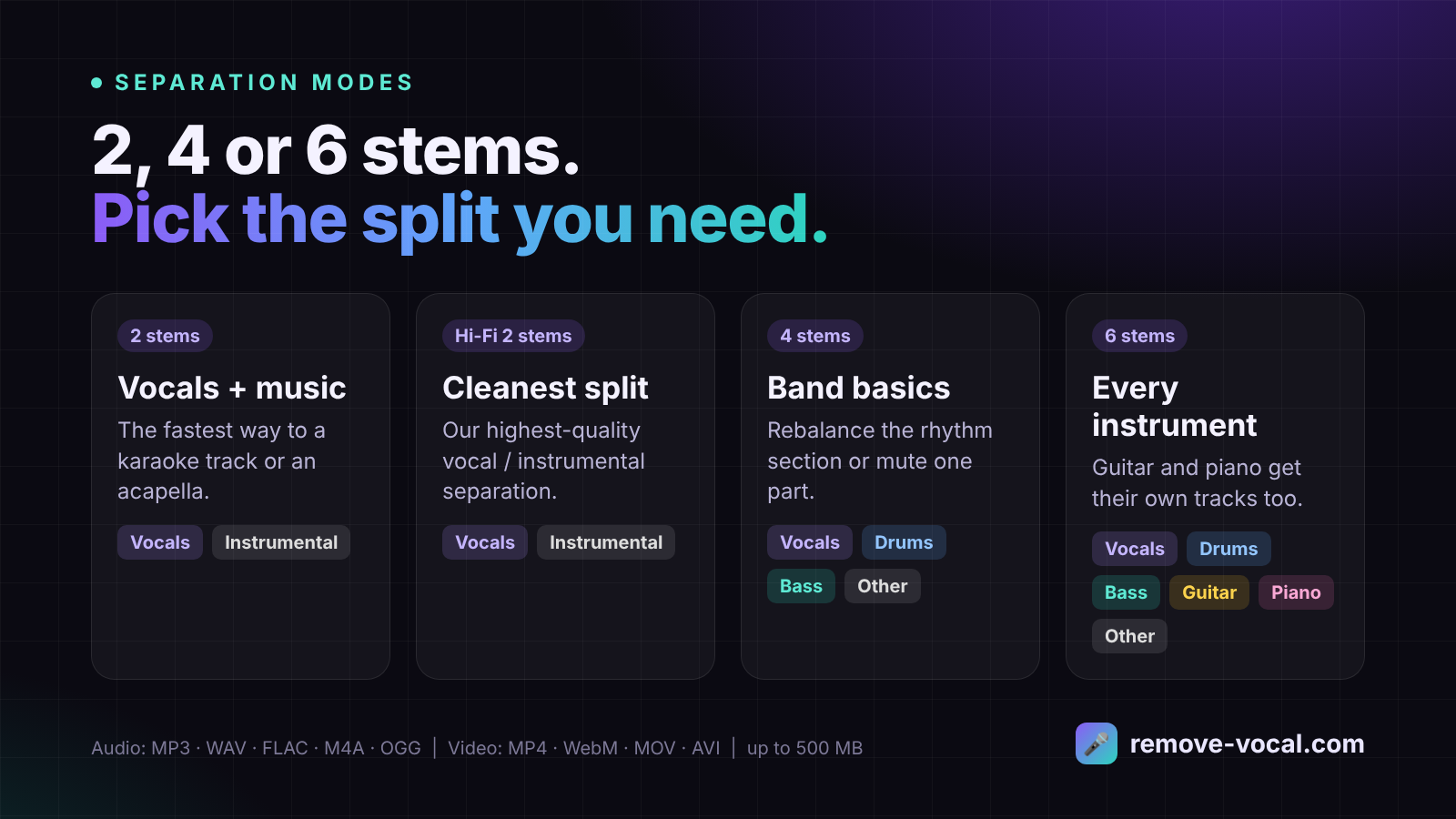
Choose the split that matches your instrument.
| You play | Choose | Then mute |
|---|---|---|
| Drums | 4 stems | Drums |
| Bass | 4 stems | Bass |
| Guitar | 6 stems | Guitar |
| Piano / keys | 6 stems | Piano |
| Vocals | 2 or Hi-Fi 2 stems | Vocals |
The 4-stem mode gives you vocals, drums, bass and other. The 6-stem mode adds separate guitar and piano tracks, which is what most guitarists and keyboard players need.
Make the track fit you
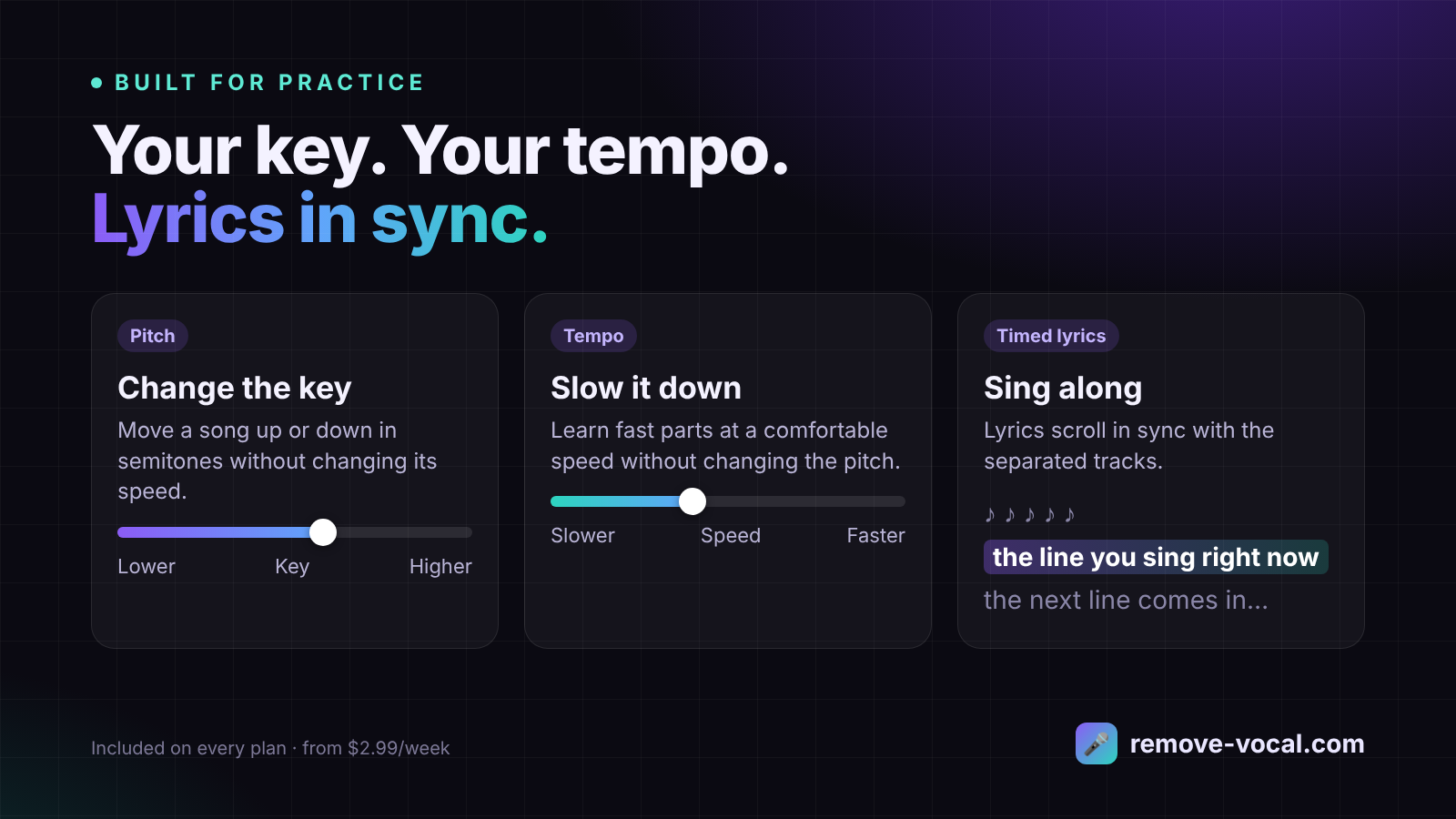
Practice tools: key, tempo and timed lyrics.
Change the key
If a song sits too high or too low for your voice, shift it up or down. In Remove Vocal, changing the pitch doesn't change the speed.
Slow it down
Learning a fast solo or a tricky vocal run? Lower the tempo to practise it slowly. The pitch stays the same.
Sing with timed lyrics
Lyrics scroll in sync with the separated tracks, which is handy for karaoke nights and rehearsals.
Who this is useful for
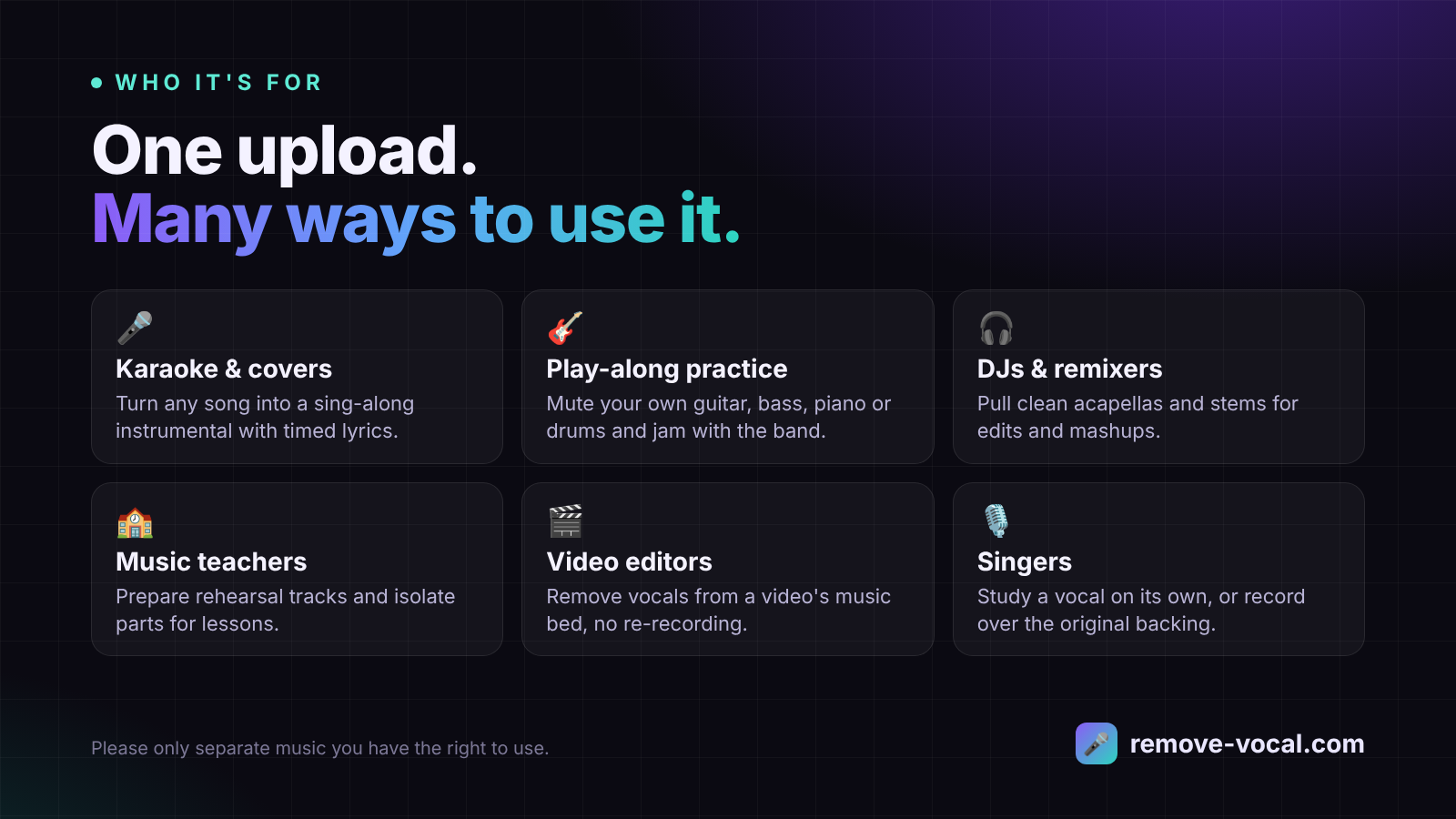
- Singers and cover artists making karaoke and cover backing tracks
- Guitarists, bassists, drummers and keyboard players practising with the band
- DJs and remixers pulling acapellas and stems for edits
- Music teachers preparing rehearsal tracks for students
- Buskers and gigging musicians building backing tracks for live sets
- Video editors who need a music bed without vocals
Common questions
Why not just use the "remove vocals" effect in my audio editor?
That effect uses phase cancellation: it subtracts the left and right channels to remove centre-panned sound. It usually removes the bass and kick drum along with the vocal, leaves reverb behind and produces a mono file. AI separation identifies each instrument instead, so the rest of the mix stays intact.
Do I need to install anything?
No. Everything happens in your web browser.
How much does it cost?
Remove Vocal has two plans: Unlimited Weekly at $2.99/week and Unlimited Monthly at $5.99/month. Every plan includes every separation mode and feature. The site is available in English, German and Korean.
Can I use the stems commercially?
Separating a song doesn't change who owns it. Use stems for personal practice and learning, and only publish or perform material you have the rights or licences for.
Try it on a song you know
The fastest way to hear the difference is to take a track you know well and split it. Listen to how the bass and drums hold up in the instrumental.
Make a karaoke track with Remove VocalQuestions or feedback? Email support@remove-vocal.com.